
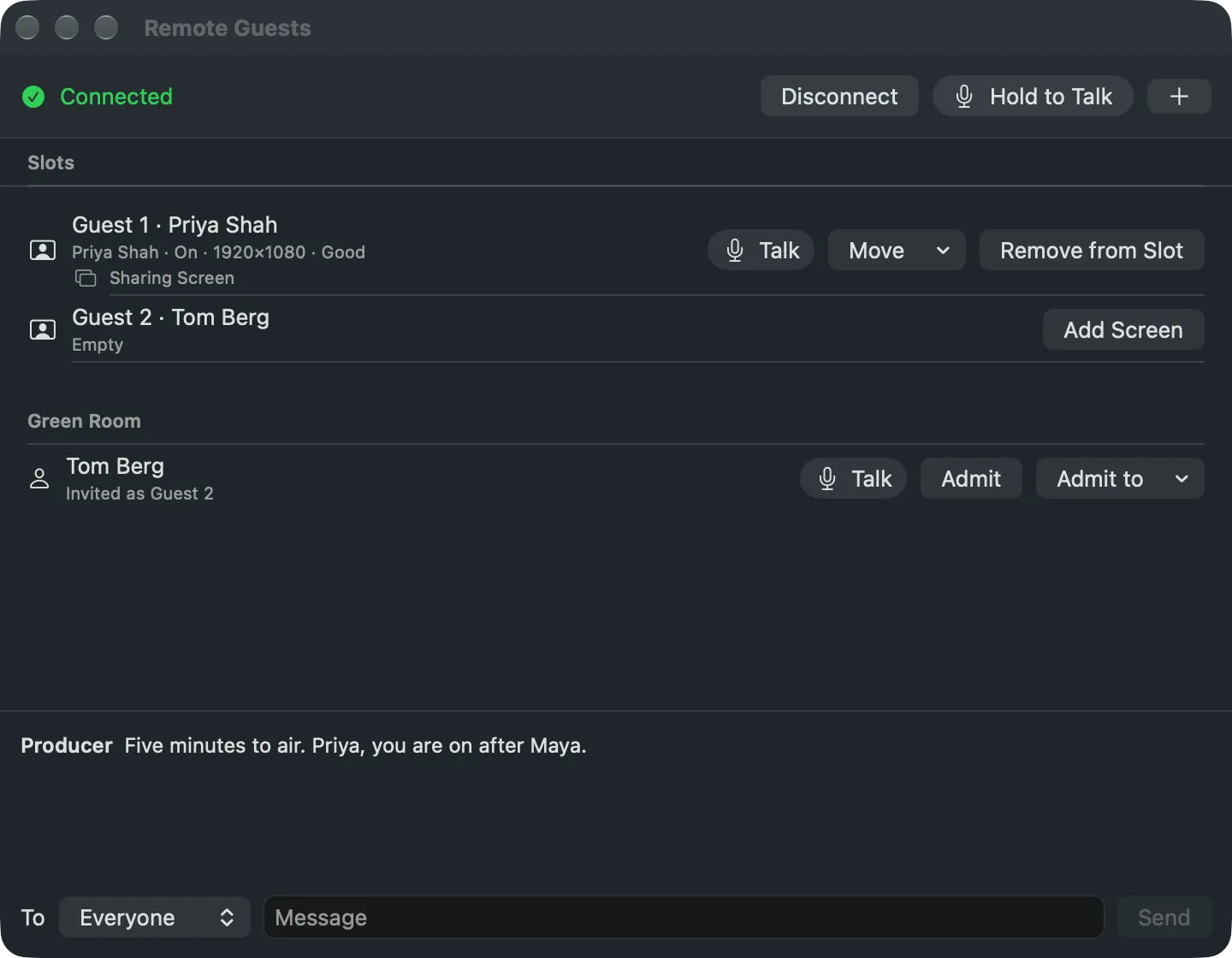
The Studio's window for remote guests: the connection, the slots, the Green Room and the chat.
Window › Remote Guests (⌥⌘G) is where you see who has arrived and put each guest in place. It sits beside the main window during the show. See Remote guests.
The top bar
Section titled “The top bar”Connect joins the show’s room on the platform; the bar then says Connected, with Disconnect beside it. Hold to Talk talks to every guest. + (Add Guest Slot) adds the next numbered slot to the show.
One row per guest slot, with the guest who fills it, On and their picture size and connection, or Empty, or Priya Dropped when the guest lost the connection. A guest’s row has Talk (to that guest alone), Move and Remove from Slot. Add Screen adds a source for the guest’s shared screen; once it exists the row says Sharing Screen or Not Sharing.
Green Room
Section titled “Green Room”The guests who have arrived and wait, each with the slot their link is for. Admit puts them there, Admit to in another slot, and Talk speaks to them alone. No one is waiting. when the room is empty.
The messages with the guests, oldest first. Pick who it goes To, Everyone or one guest, type, and Send.
Read more
Section titled “Read more”Describes Live Producer 0.330 · 10 November 2026