
Sources go through their processing to buses, buses play to outputs: the Audio Routing window, the steps that clean a voice, listening privately, and device channels.
Sound in a show flows one way: each source goes through its processing, the steps that clean and shape its sound, then it is heard on buses, and each bus plays to one or more output devices. The routing belongs to the show and is set in the Audio Routing window (Window › Audio Routing, ⌥⌘A, or Audio in the toolbar).
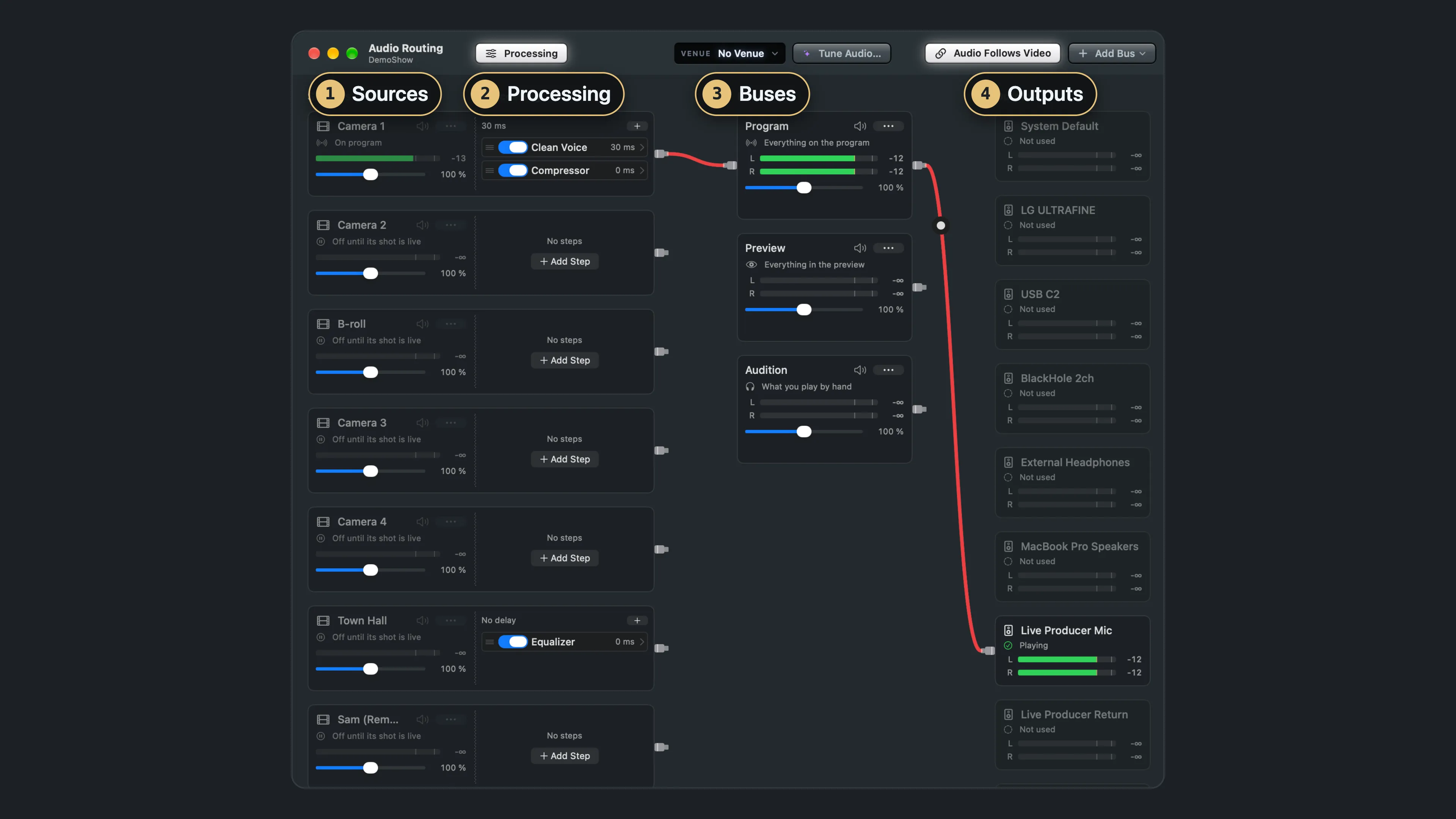
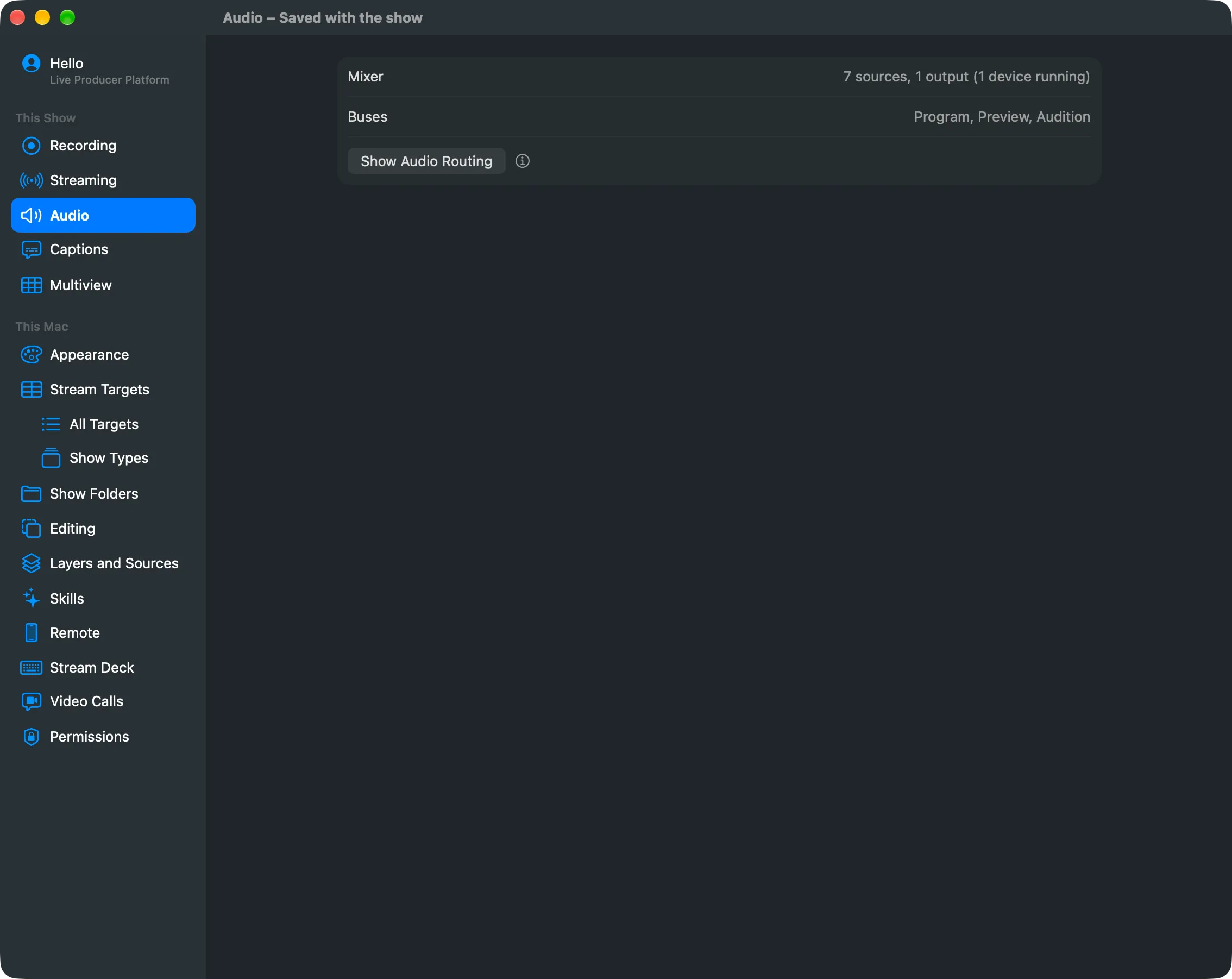
Settings › This Show › Audio shows whether the mixer runs and which buses the show has, with a Show Audio Routing button. Everything else is in the window.
In this section
Section titled “In this section”- Audio Routing window
- Step windows
- Buses
- Private listening
- Device channels
- Processing
- Clean Voice
- Room Reduction
- Venues
- Route a bus
- Audition a clip
- Clean up a microphone
- Start a source from a preset
- Add an Audio Unit
- Hear the sources without delay on the PA
- Reduce a room’s echo
- Use a venue
- Tune the audio with Spelvin
Describes Live Producer 0.330 · 10 November 2026