
Bring people into the show from wherever they are, with a link: a Green Room, a slot on the program, and the show in their ears.
A remote guest joins your show from their own computer or phone, with a link you send them. No app to install on a computer, no account, no call app in between. They wait in the Green Room until you bring them on, then appear in the show as a source like a camera, in the shot you made for them. They hear the show, never themselves, and see when they are on air.
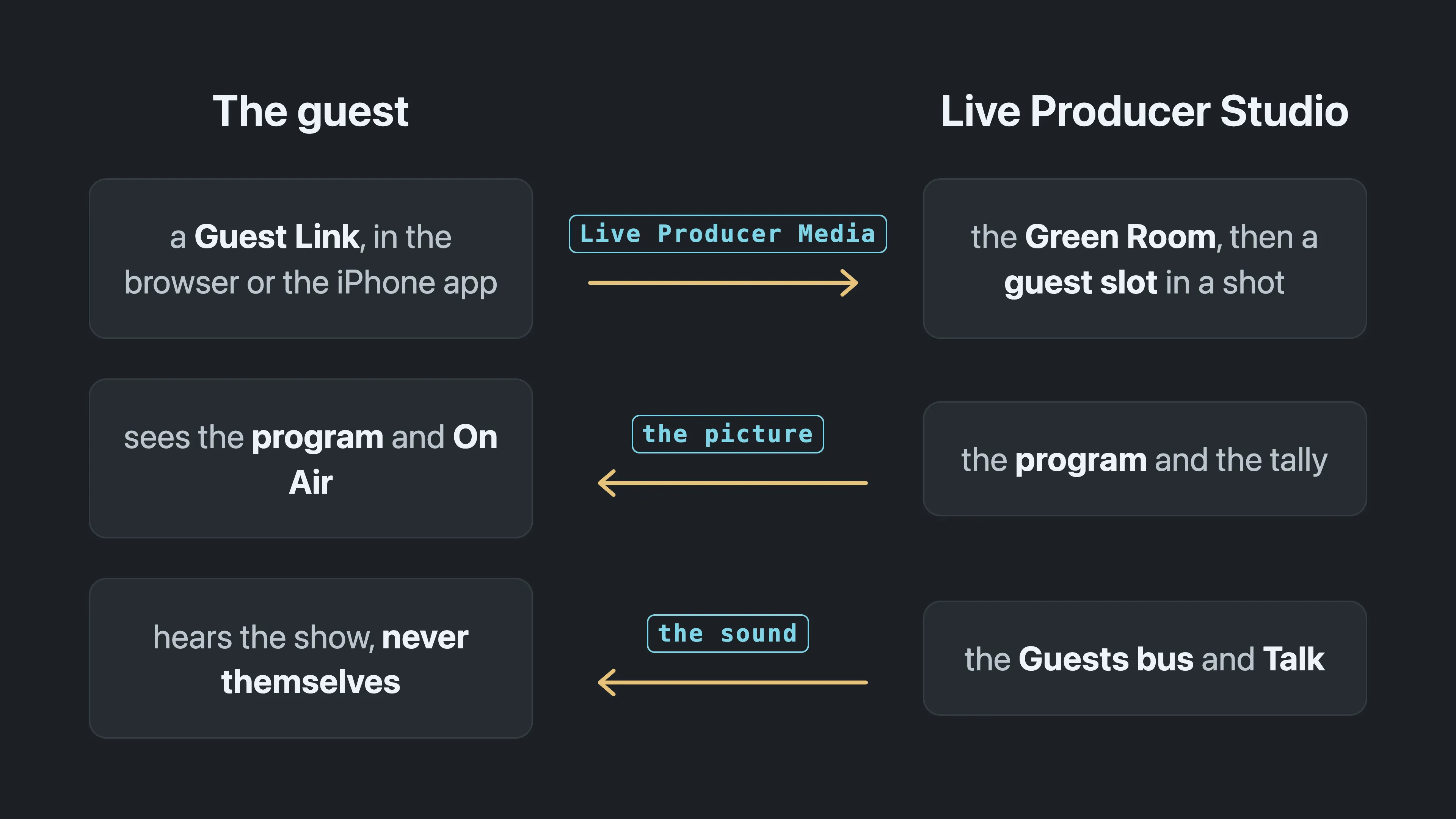
You prepare the guests on the platform, in the show’s Remote Guests tab: one numbered slot per guest, each with its own Guest Link. In the Studio, the Remote Guests window shows who has arrived and puts each guest in their slot. Guests on an iPhone or iPad can use the Live Producer Guest app, which also turns a spare iPhone into a wireless camera in the room.
In this section
Section titled “In this section”Describes Live Producer 0.330 · 10 November 2026