
The page a Guest Link opens leads the guest through one step at a time. It needs no account and runs in any recent browser, on a computer or a phone. See Remote guests.
Arriving
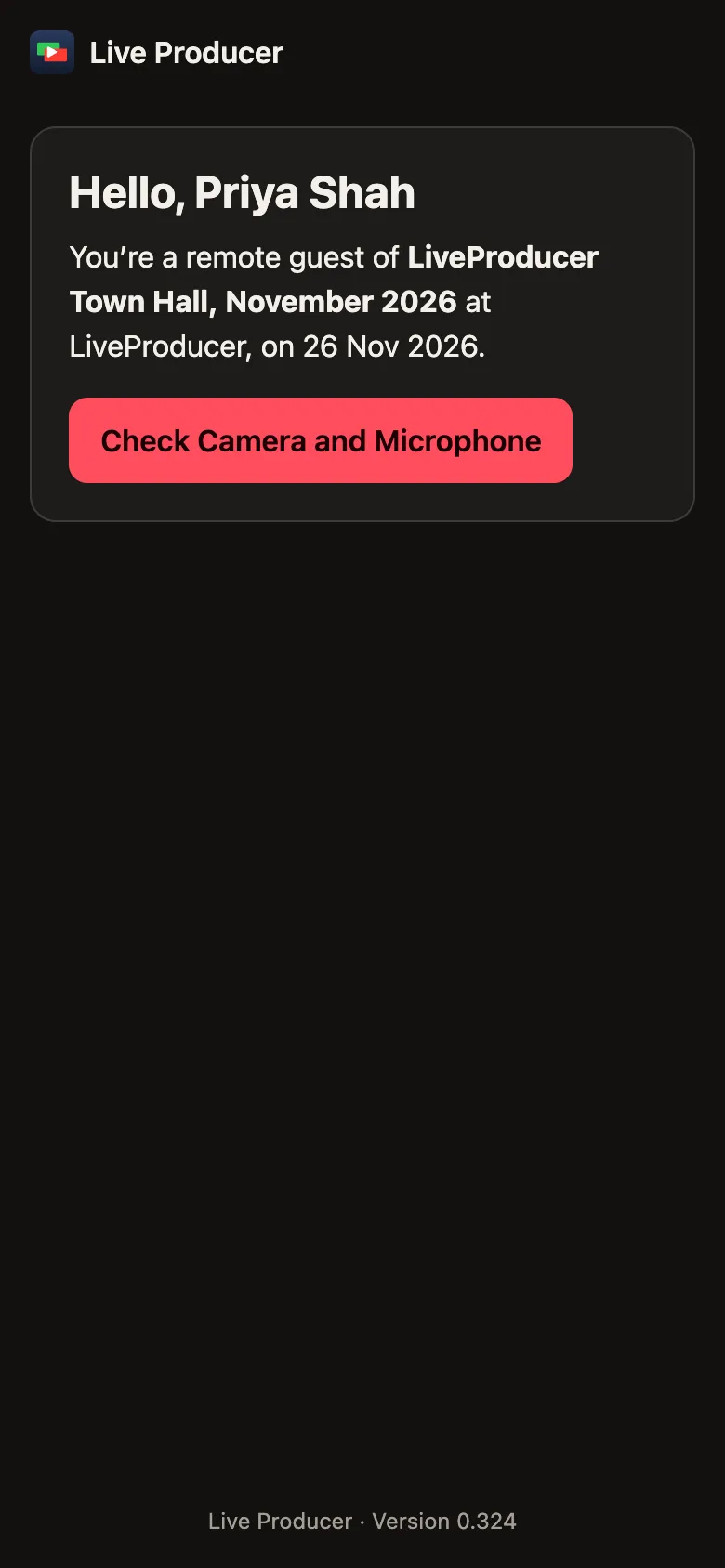
Section titled “Arriving”The guest’s name, the show, the company and the date, and Check Camera and Microphone.
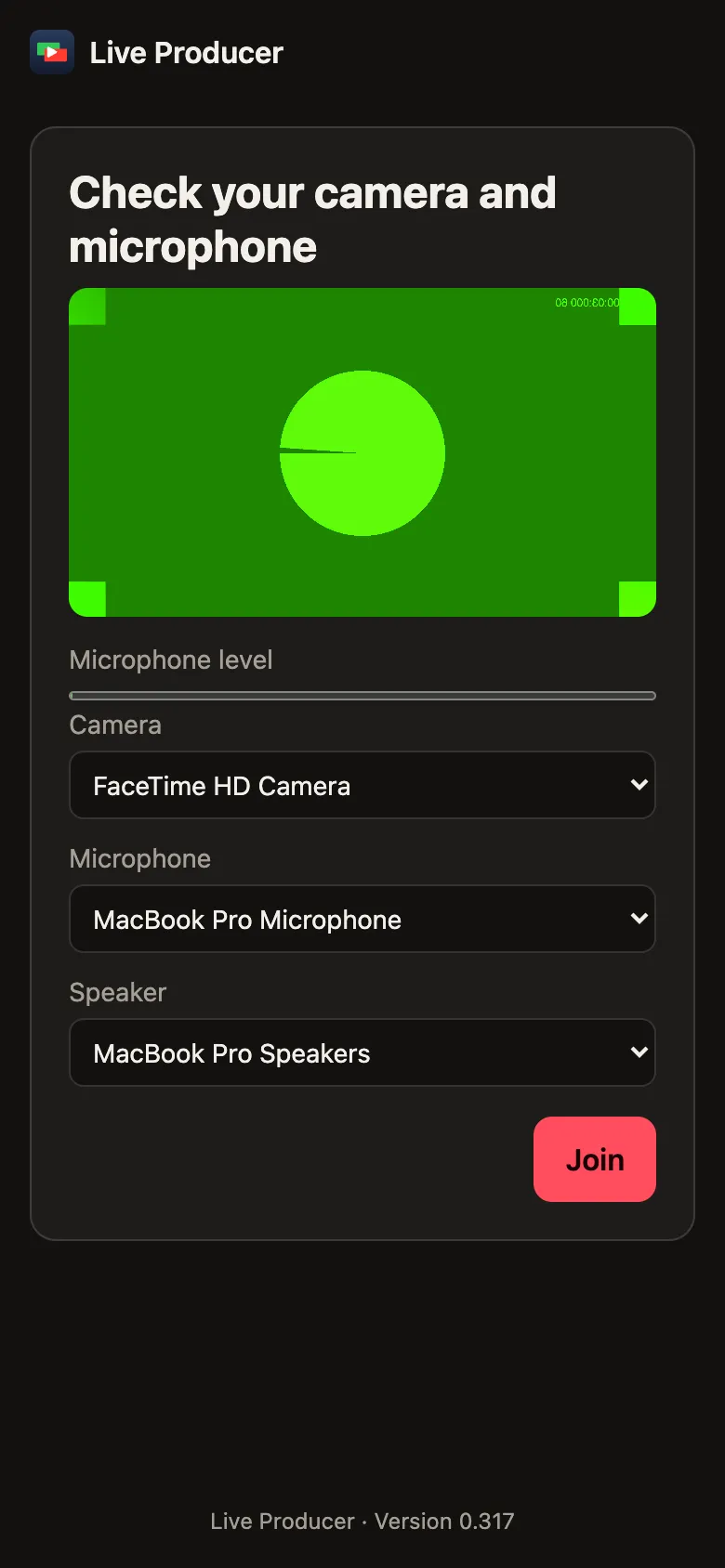
The guest’s own picture, the microphone’s level and the choice of Camera, Microphone and Speaker, then Join.
Waiting
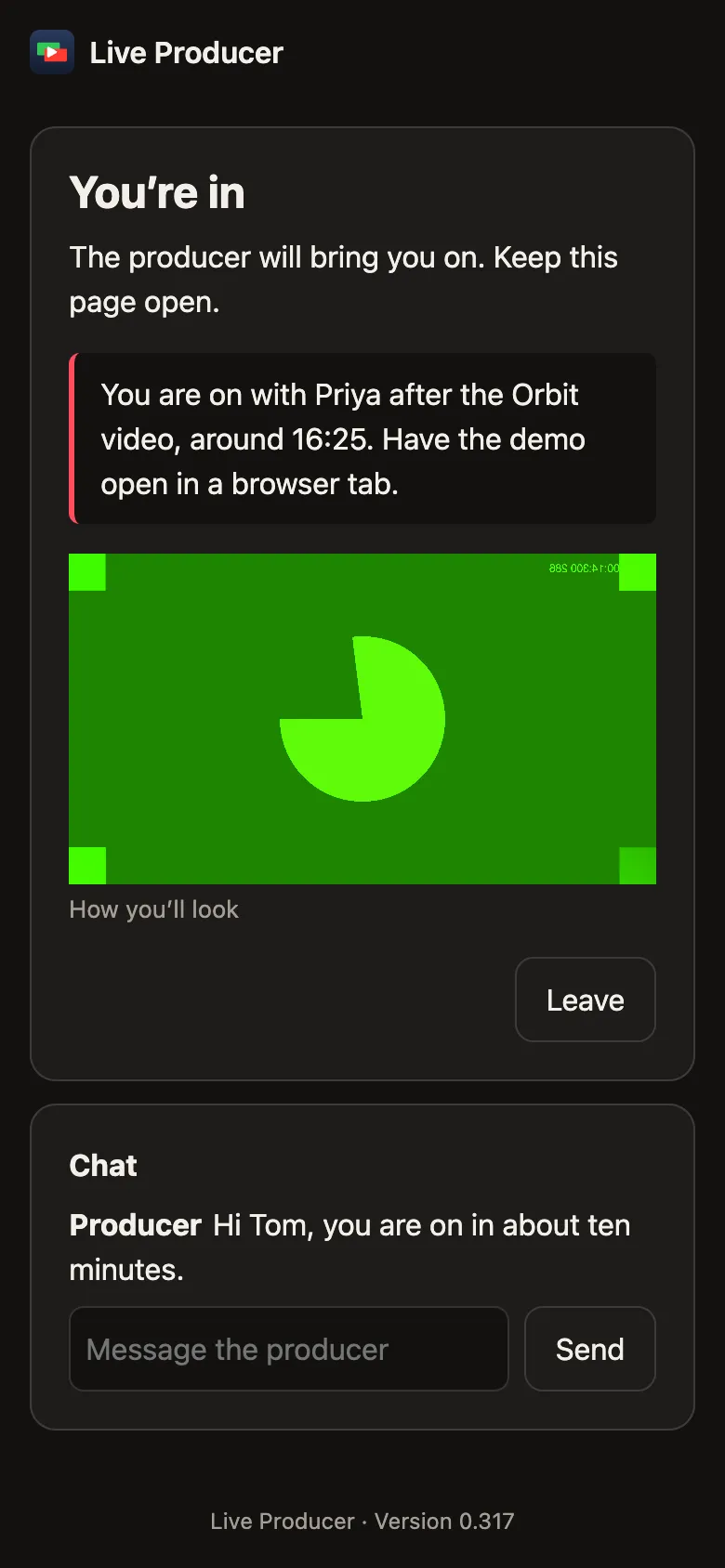
Section titled “Waiting”You’re in. The Green Room: the producer’s note, the show’s sound, How you’ll look, The producer is talking while you talk, and the chat. Leave ends the visit.
On the show
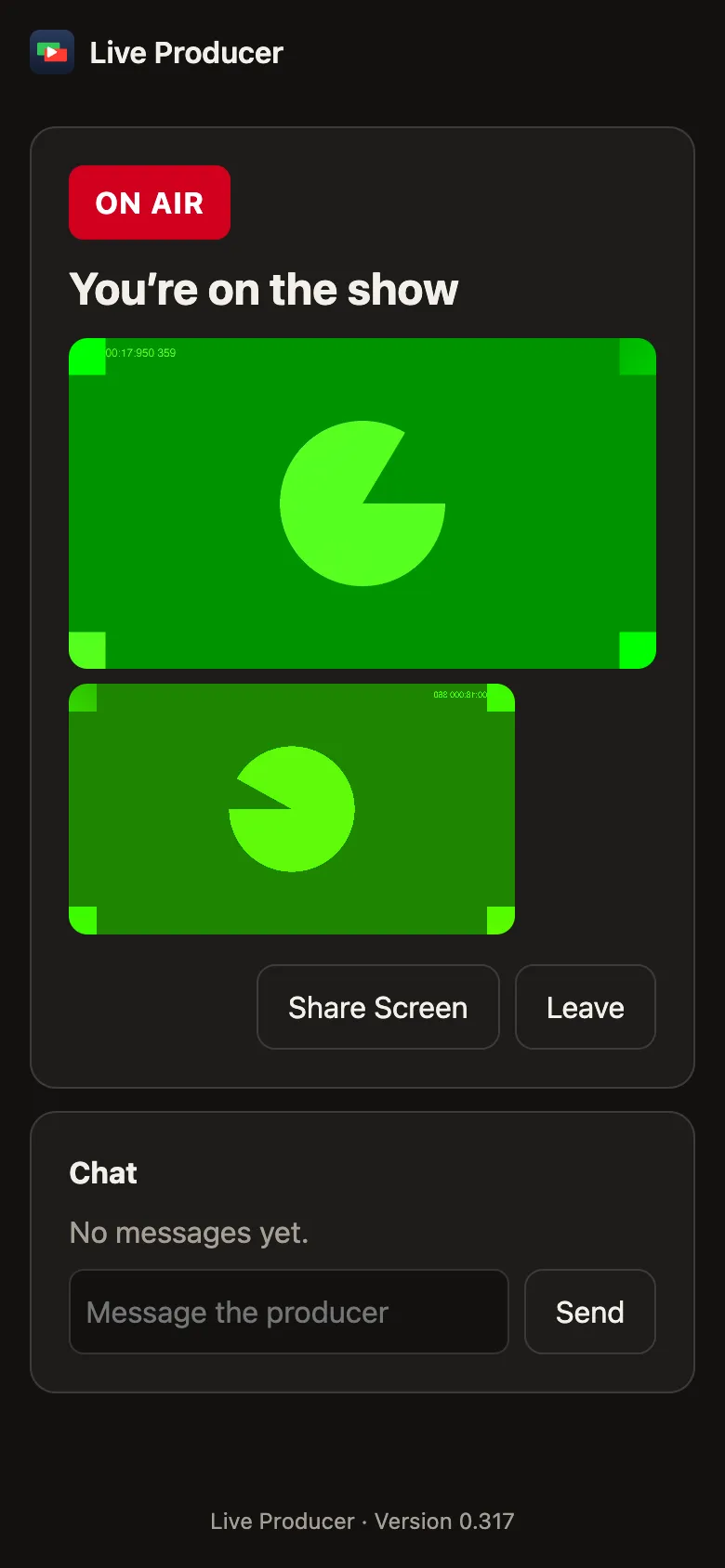
Section titled “On the show”You’re on the show, with the tally (On Air, Next, Standing By), the program, the guest’s own small picture, Share Screen on a computer, and Recording while the show records.
Ended and left
Section titled “Ended and left”You left the show with Rejoin, or This Guest Link no longer works when the link was revoked or the show has ended.
Read more
Section titled “Read more”Describes Live Producer 0.330 · 10 November 2026