
Bring people into the show from anywhere with a link: a Green Room, a slot in your shots, the show in their ears, and a clean recording of each guest.
New and improved
Section titled “New and improved”Remote guests
Section titled “Remote guests”Bring people into the show from wherever they are, with a link and nothing to install. You prepare a numbered slot for each guest and send them their Guest Link; they wait in the Green Room, and you bring them on as a source like a camera, in the shot you made for them. See Remote guests and Bring a guest on.
- Add guest slots and send each guest their link, with a note, from the web show’s Remote Guests tab. See Invite a guest.
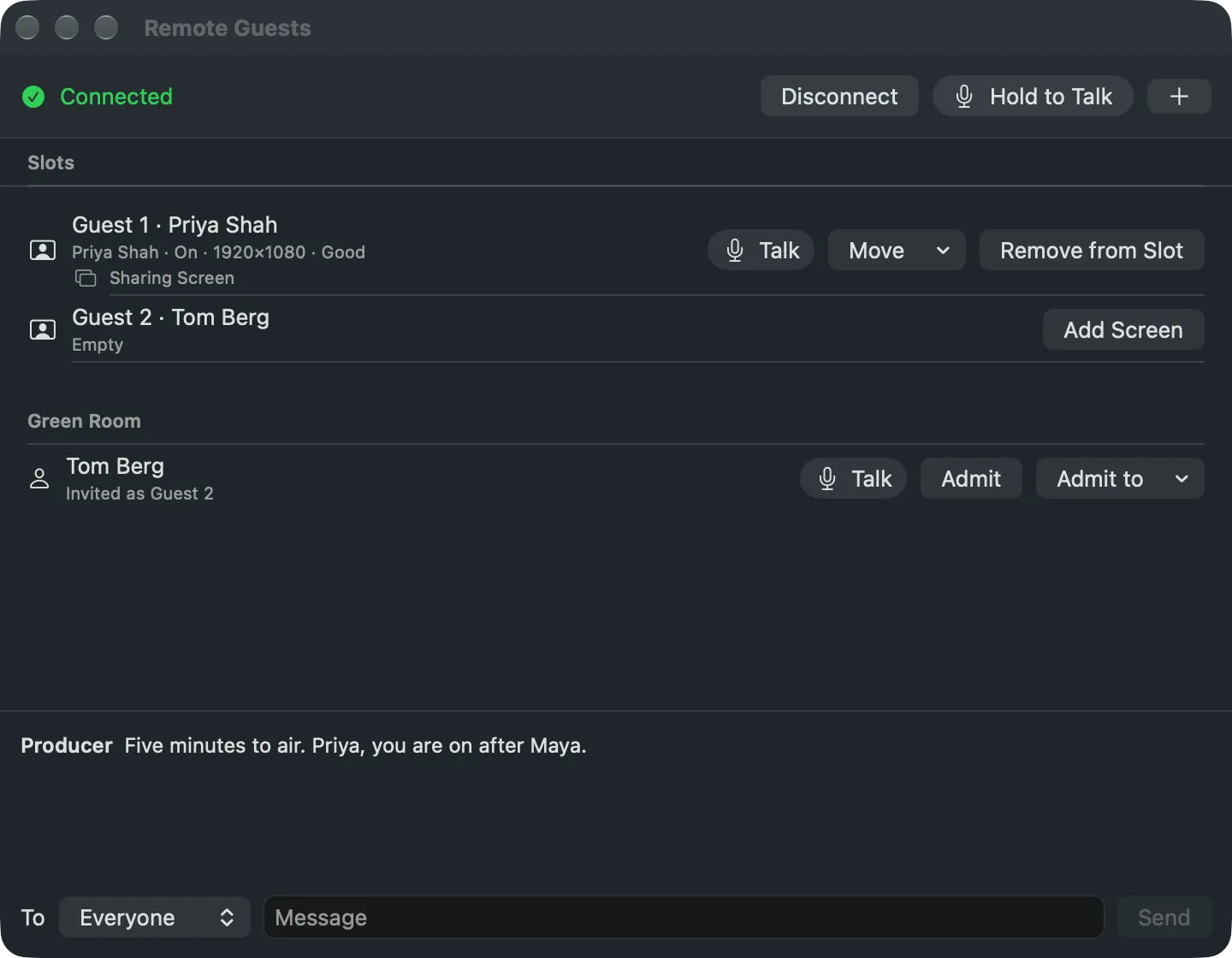
- Window › Remote Guests (⌥⌘G) shows who has arrived; Admit puts them in their slot, and only a Take puts them on air. See Remote Guests window.
- Guests see the program and their tally, and hear the show without themselves. See What a guest hears and sees.
- Talk to every guest or to one alone, and chat with them, without the audience hearing it. See Talk to guests.
- A guest on a computer can share their screen as a source of its own. See Show a guest’s screen.
- While the Studio records, each guest’s page keeps a clean copy of their camera and microphone and sends it to the show’s Files. See The guest’s own recording.
- Spelvin knows who is in each slot and fills a guest’s lower third; the Stream Deck has a held Talk to Guests key. See The chat and Held keys.
Live Producer Guest for iPhone and iPad
Section titled “Live Producer Guest for iPhone and iPad”A guest can join from the app instead of the browser, by opening their link or scanning it as a QR code, and any spare iPhone becomes a wireless camera in the room. See Live Producer Guest and Use an iPhone as a camera.
More info
Section titled “More info”- Remote guests
- Join a show as a guest, to send to your guests
- Buses, for the Guests bus
Describes Live Producer 0.330 · 10 November 2026