
During the beta you download the Studio from your account on the platform, as often as you need, and the Studio is used signed in, so your shows, files and Spelvin are there from the first launch.
New and improved
Section titled “New and improved”Download the Studio from your account
Section titled “Download the Studio from your account”The Studio is no longer a public download. Click Download for Mac on liveproducer.ai and you sign in first, or create your account, and the download starts. Already signed in, open Account on the platform and click Download Studio in Apps: it is always there, as often as you need it, and always the newest build.
See Install the Studio.
Signed in from the first launch
Section titled “Signed in from the first launch”During the beta, the Studio asks you to sign in the first time it opens, with the same code you confirm in the browser as before. From then on your shows on the web, your files, your layer setups and Spelvin are there without looking for Settings. The Mac stays signed in: the Studio keeps working offline, and never asks again in the middle of a show.
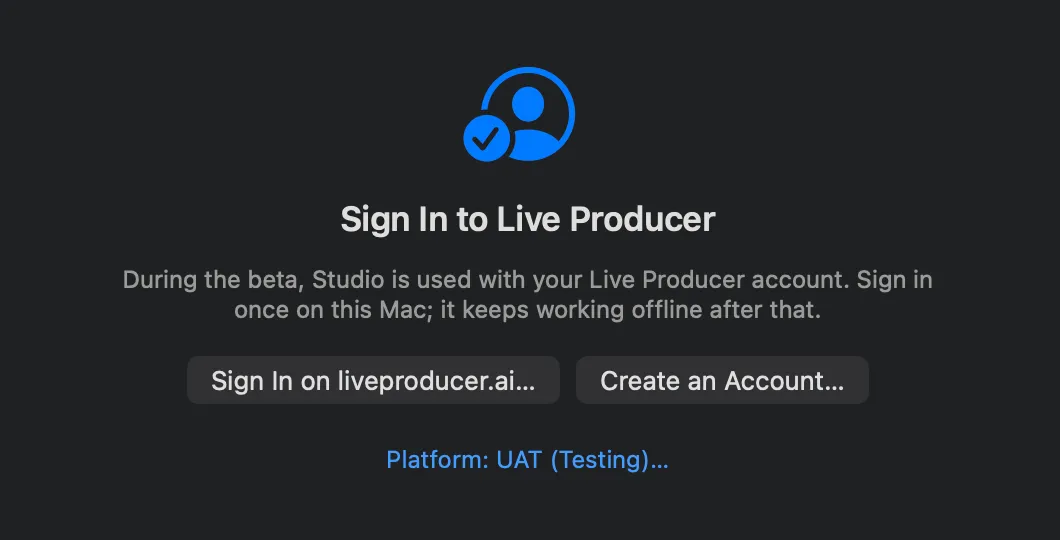
See Install the Studio and Sign in.
More info
Section titled “More info”Describes Live Producer 0.330 · 10 November 2026