
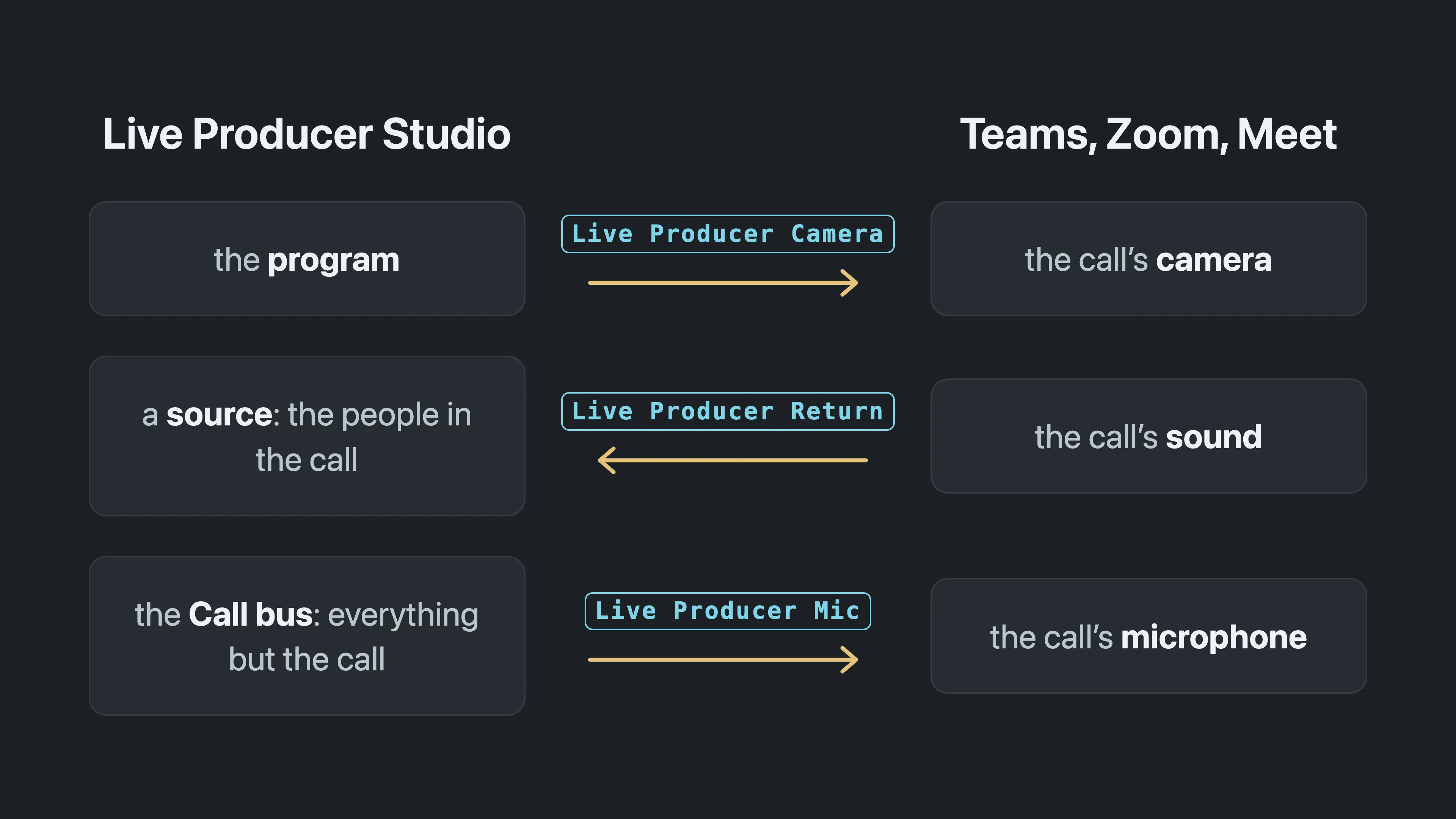
Live Producer Camera, Mic and Return: the program as a webcam and the call's sound both ways.
Live Producer Studio can put the program into a Microsoft Teams, Zoom, Google Meet or Webex call as if it were a webcam and a microphone, and bring the call’s sound back into the show. No capture card, no second computer, no screen share. You install the devices once per Mac in Settings › This Mac › Video Calls, and set up each show for its call app with one button.
In this section
Section titled “In this section”Describes Live Producer 0.330 · 10 November 2026